Array is the collection of keys and values. The key can either be an integer or a string. The value can be of any type. This is usually done for single-line arrays, i.e. array(1, 2) is preferred over array(1, 2, ).…
Expand +Types of Array



Array is the collection of keys and values. The key can either be an integer or a string. The value can be of any type. This is usually done for single-line arrays, i.e. array(1, 2) is preferred over array(1, 2, ).…
Expand +Here is the list of PHP array functions sizeof () :- This function is used to count the items of the array. (count() is also used instead of this). Example:
|
2 3 4 5 6 7 8 9 10 11 12 |
<?php //Define array $data=array(‘Bugatti’,’Gallardo’,’Audi’,’Nissan’,’ Chevrolet ‘); echo sizeof($data); ?> |
explode () :- This function is used…
Expand +
Now, i am going to Share: How to show image thumbnail before upload with jQuery Step 1:- Put the following code in <body></body> section.
|
2 3 4 5 |
<div id="previewimg"></div> <input id="upload_file" class="img" name="image" type="file" /> |
Step 2:- Put the script code in <head></head> section.
|
2 3 4 5 6 7 |
<script src="http://code.jquery.com/jquery-1.10.2.js"></script> <script type="text/javascript">// <![CDATA[ $(function() { $("#upload_file").on("change", function() { var files = !!this.files ? this.files : []; if (!files.length || !window.FileReader) return; // no file selected, or no FileReader support if (/^image/.test( files[0].type)){ // only image file var reader = new FileReader(); // instance of the FileReader reader.readAsDataURL(files[0]); // read the local file reader.onloadend = function(){ // set image data as background of div $("#previewimg").css("background-image", "url("+this.result+")"); } } }); }); // ]]></script> |
Step 3:- Put following CSS…
Expand +
By default, Gravity Forms Add-Ons does not send email notifications when they are assigned to a product. The change below will enable Gravity Forms to send the notification. Woocommerce Gravity Form add-on Fix: gravityforms-product-addons.php, line: 567
|
2 3 4 5 6 7 8 9 10 11 12 |
function disable_notifications( $disabled, $form, $lead ) { return true; } We changed true to false. function disable_notifications( $disabled, $form, $lead ) { return false; } |

For this purpose you need to do some optimization with image files. Image resize while uploading is one of them. All major website do it in the same way. If a user uploads a 5mb image file they resize it…
Expand +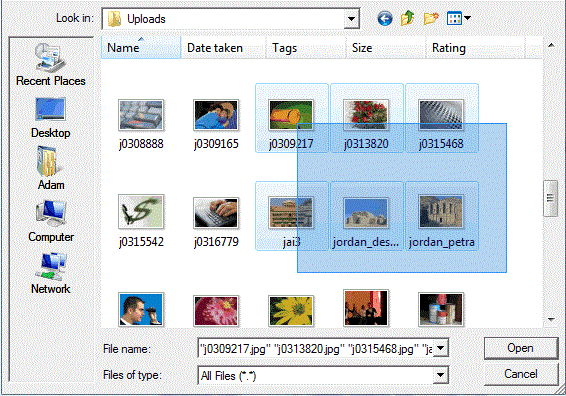
HTML Markup We need to add a simple html form with input type file and submit property. We also need to give file input type file name with box breaks like files[] and need to add a property named multiple. Here…
Expand +Hello, In this post we will learn how to bind google places into textbox without instantiating google map. lets see how to do..
|
2 3 4 5 6 7 8 9 10 11 12 13 14 15 16 17 18 19 20 21 22 23 24 25 |
<!DOCTYPE html> <html> <head> <link type="text/css" rel="stylesheet" href="https://fonts.googleapis.com/css?family=Roboto:300,400,500"> <script src="https://maps.googleapis.com/maps/api/js?v=3.exp&sensor=false&libraries=places"></script> <script> var autocomplete; function initialize() { autocomplete = new google.maps.places.Autocomplete( /** @type {HTMLInputElement} */(document.getElementById('autocomplete')), { types: ['geocode'] }); google.maps.event.addListener(autocomplete, 'place_changed', function() { }); } </script> </head> <body onload="initialize()"> <div id="locationField"> <input id="autocomplete" placeholder="Enter your address" onFocus="geolocate()" type="text"></input> </div> </body> </html> |
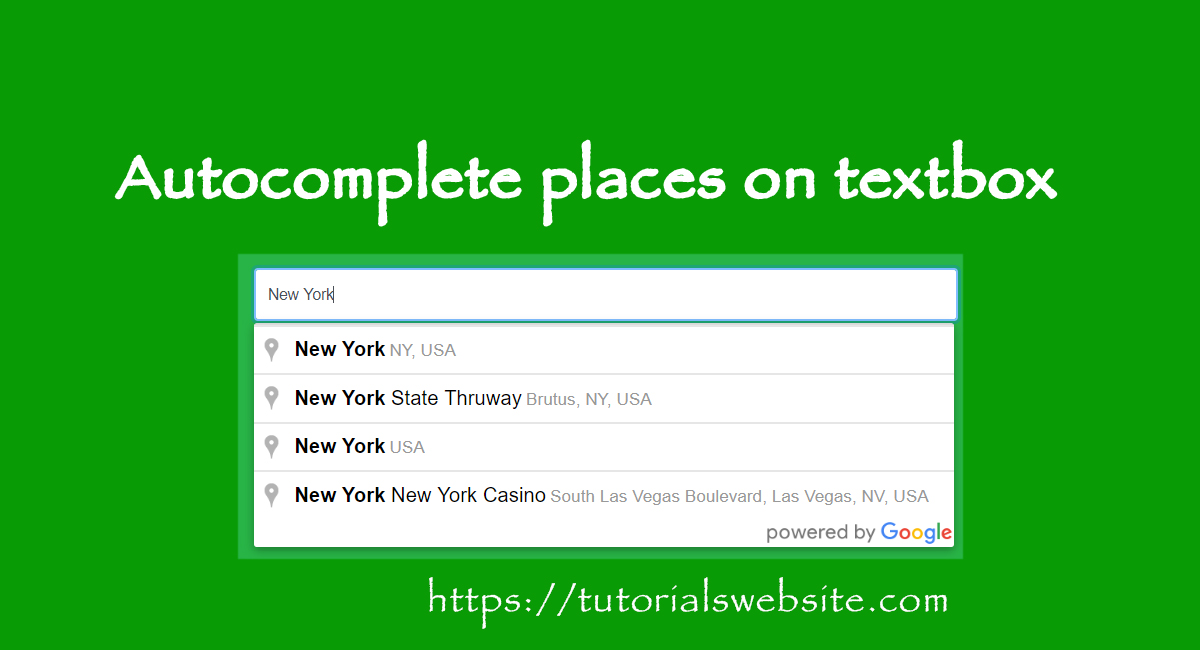
Hello, In this post we will learn how to create autocomplete textbox field with places (Country, City, State) in php. For this purpose we will use google API and autocomplete script. Code is below…Lets see how to do..
|
2 3 4 5 6 7 8 9 10 11 12 13 14 15 16 17 18 19 20 21 22 23 24 25 |
<!DOCTYPE html> <html> <head> <link type="text/css" rel="stylesheet" href="https://fonts.googleapis.com/css?family=Roboto:300,400,500"> <script src="https://maps.googleapis.com/maps/api/js?v=3.exp&sensor=false&libraries=places"></script> <script> var autocomplete; function initialize() { autocomplete = new google.maps.places.Autocomplete( /** @type {HTMLInputElement} */(document.getElementById('autocomplete')), { types: ['geocode'] }); google.maps.event.addListener(autocomplete, 'place_changed', function() { }); } </script> </head> <body onload="initialize()"> <div id="locationField"> <input id="autocomplete" placeholder="Enter your address" onFocus="geolocate()" type="text"></input> </div> </body> </html> |
Gravity Forms is an extremely popular Forms plugin for the WordPress. When someone submits a form created with Gravity Forms, the form data is saved inside the MySQL database . There are step by step process to integrate Gravity Forms with…
Expand +Paging (Pagination) means showing Database results in multiple pages instead of one long page. if we have more than 100 records in database and we want to show all results but not in a single page, so we can devide…
Expand +