WordPress 7.1.3 is out, and you should install it today. The WordPress core team released it on October 6, 2026 as a maintenance and security release that patches seven vulnerabilities and fixes four bugs. The official announcement is direct: “Because…
Expand +Category: Wordpress
WordPress 7.1.2 Security Update: How to Patch CVE-2026-87902
On 22 September 2026, WordPress released WordPress 7.1.2, a security update that fixes a critical vulnerability tracked as CVE-2026-87902. The flaw affects almost ten years of WordPress releases, from 4.7.0 through 7.1.1. Attackers began probing websites for it on the…
Expand +WooCommerce 11.1: What Developers Need to Know
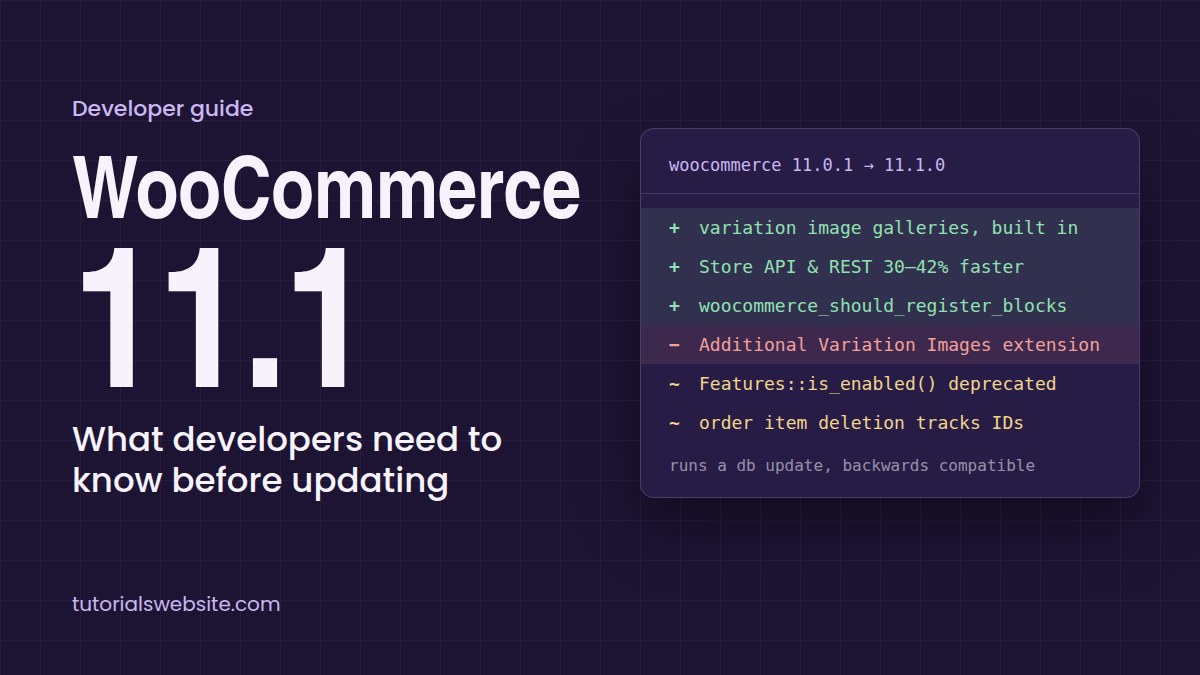
WooCommerce 11.1 was released on 1 September 2026 with 561 pull requests from 77 contributors. It is backwards compatible but runs a database update, and a few of its changes quietly affect custom plugins, headless builds and REST integrations (official…
Expand +Sort WooCommerce Products by Popularity Based on Last 6 Months Sales
If you have a WooCommerce shop, you’ve probably noticed something annoying: when customers click “Sort by popularity,” the stuff that shows up first are usually the old products that sold a ton… three years ago. Meanwhile, the new thing everyone’s…
Expand +WordPress parent company Automattic layoffs 16% of its workforce
Automattic, the company that operates WordPress.com, Tumblr, WooCommerce, and a number of other online platforms, has announced a significant employment drop. The company is laying off 16% of its staff across various areas, according to a blog post published on…
Expand +How to Display Featured Image when hovering on a Post Links
Displaying a featured image when hovering over a post link is a great way to enhance user experience and provide a visual preview of your content. In this tutorial, we’ll go step by step to achieve this effect using WordPress…
Expand +How to Add a Buy 2 Get 1 Free (BOGO) Offer in WooCommerce
Offering a Buy 2 Get 1 Free (BOGO) promotion in your WooCommerce store is an excellent way to boost sales and increase customer engagement. While WooCommerce doesn’t have a built-in feature for this, you can achieve it using custom PHP…
Expand +How to Add Extra Fees in WooCommerce (Without a Plugin)
WooCommerce is a powerful eCommerce platform. If you are using WooCommerce to build your online store then sometimes you may need to charge extra fees for specific services such as handling fees, gift wrapping fees, or Cash on Delivery (COD)…
Expand +How to Setup WooCommerce Shipping Zones based on State-Wise PIN Codes
If you are a WooCommerce store owner or developer looking to set up WooCommerce shipping zones based on state-wise PIN codes, then this article is for you. In this post, you’ll learn how to setup PIN code-based shipping and WooCommerce…
Expand +How to Fix WordPress Asking for FTP Credentials: A Complete Guide
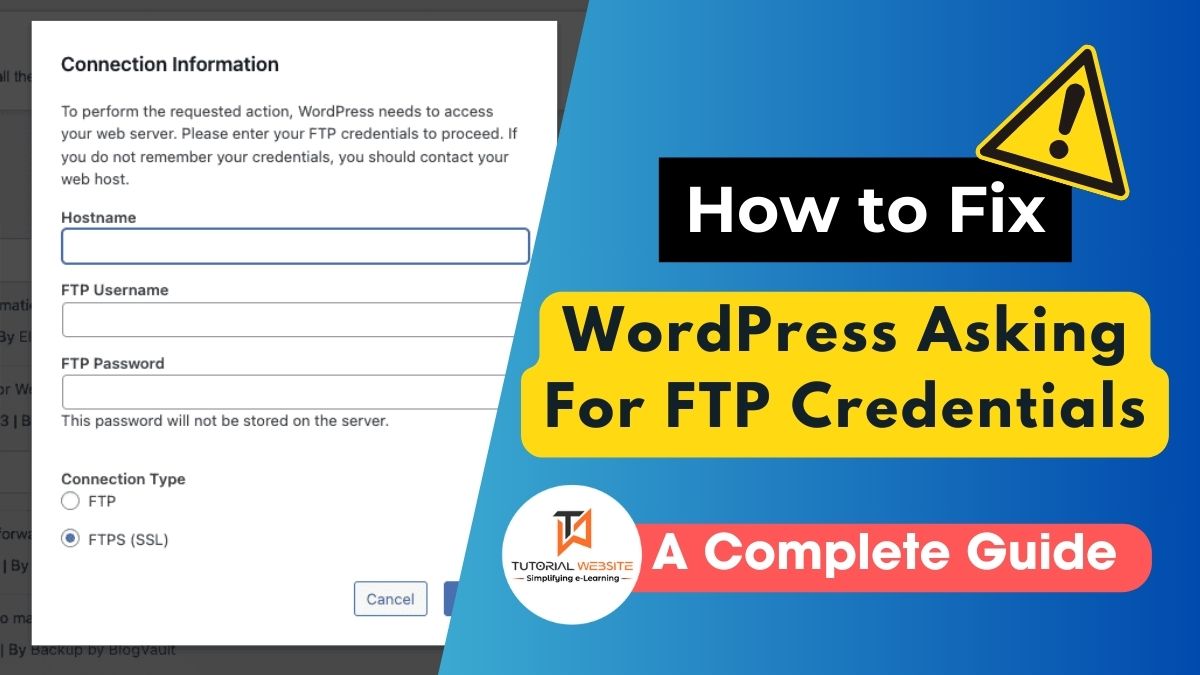
If you’re using WordPress and have tried to install a plugin or update a theme, you might have encountered a request for FTP credentials. This can be confusing or frustrating. WordPress asks for these credentials when it doesn’t have direct…
Expand +