

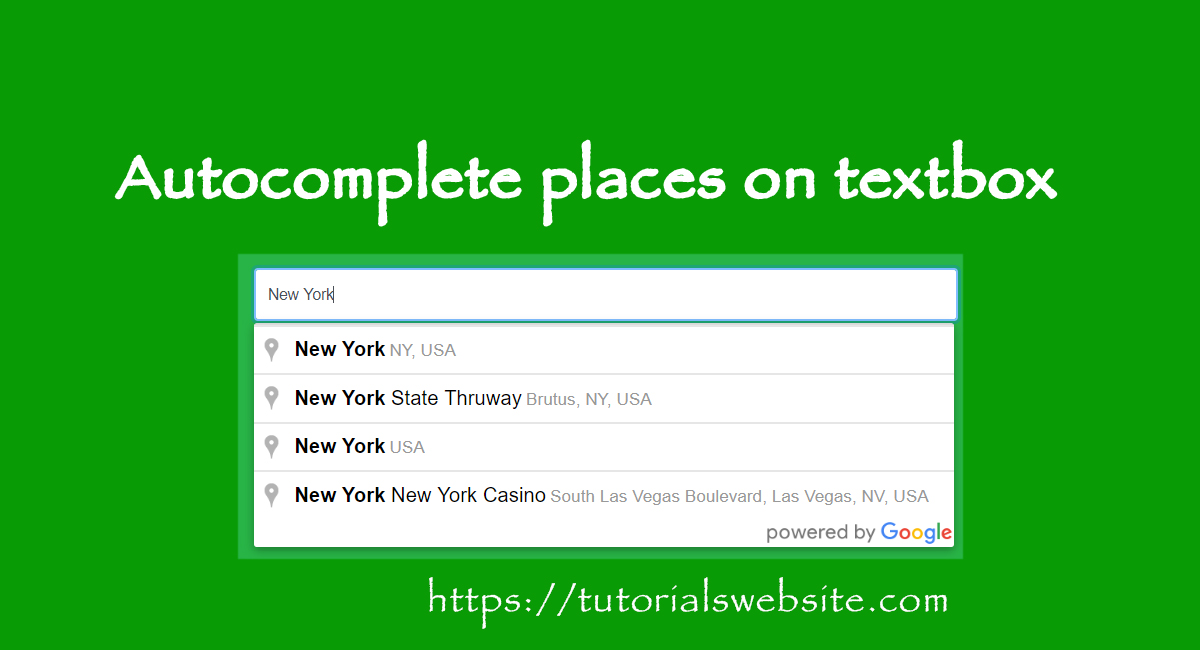
Hello, In this post we will learn how to create autocomplete textbox field with places (Country, City, State) in php. For this purpose we will use google API and autocomplete script. Code is below…Lets see how to do..
|
2 3 4 5 6 7 8 9 10 11 12 13 14 15 16 17 18 19 20 21 22 23 24 25 |
<!DOCTYPE html> <html> <head> <link type="text/css" rel="stylesheet" href="https://fonts.googleapis.com/css?family=Roboto:300,400,500"> <script src="https://maps.googleapis.com/maps/api/js?v=3.exp&sensor=false&libraries=places"></script> <script> var autocomplete; function initialize() { autocomplete = new google.maps.places.Autocomplete( /** @type {HTMLInputElement} */(document.getElementById('autocomplete')), { types: ['geocode'] }); google.maps.event.addListener(autocomplete, 'place_changed', function() { }); } </script> </head> <body onload="initialize()"> <div id="locationField"> <input id="autocomplete" placeholder="Enter your address" onFocus="geolocate()" type="text"></input> </div> </body> </html> |