It’s no surprise that there continues to be a lot of confusion between two critical positions in the website development and design industry. There are several differences between a website designer and a website developer. For the last time, a…
Expand +Category: Web Development
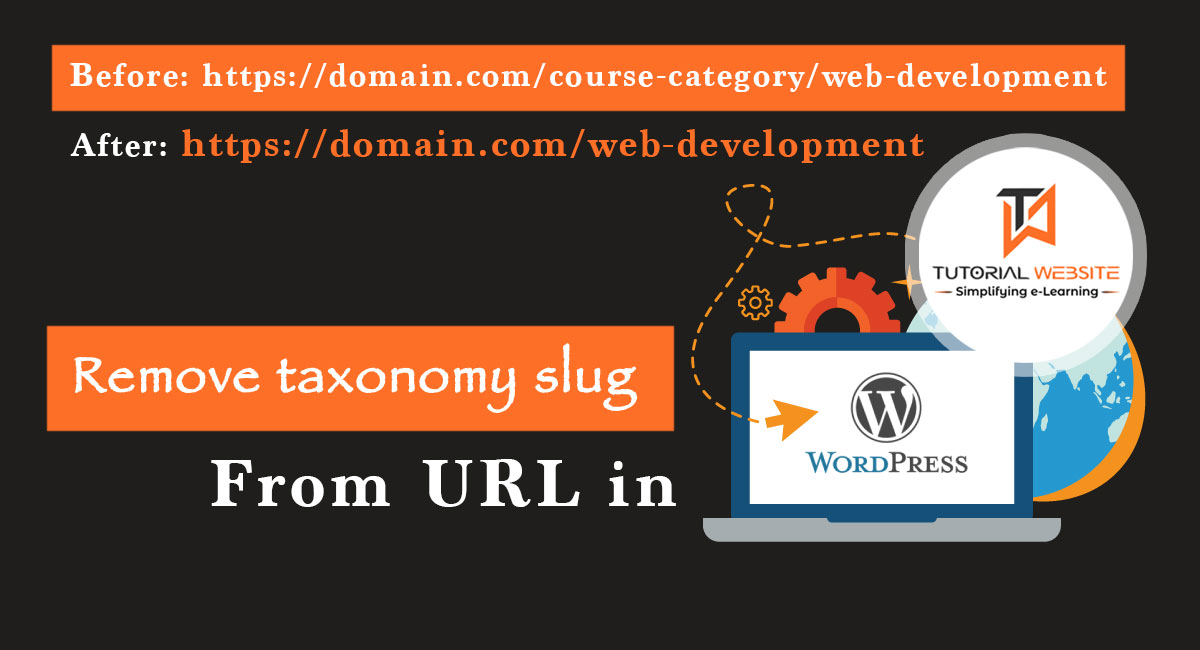
Remove the custom taxonomy slug from the URL in WordPress
If you are using WordPress and created a custom taxonomy for custom post type then this article is very helpful for you. When you create a new custom taxonomy for custom post type or default post type in WordPress then…
Expand +WHY LEARN JAVA? A COMPLETE GUIDE TO UNLOCK YOUR JAVA CAREER
Nowadays technology is continuously evolving and every machine is working on some embedded algorithms and programming language. These languages may be c#, Python, Nodejs, PHP, learn Java, or any other coding language. If you are thinking of going into the…
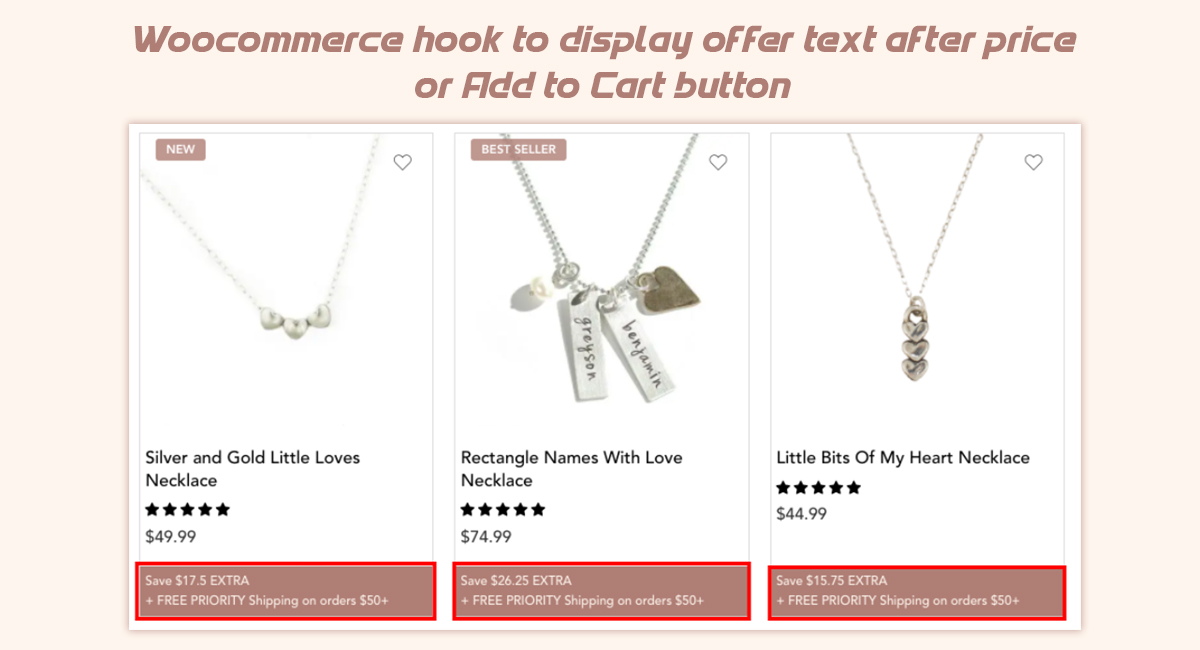
Expand +Woocommerce hook to display offers text after shop loop item
WooCommerce provides different hooks for their shop page, product category pages, cart page, and checkout page. These hooks allow us to place our content or offers in various locations on these pages. Woocommerce hook to display offers text If you…
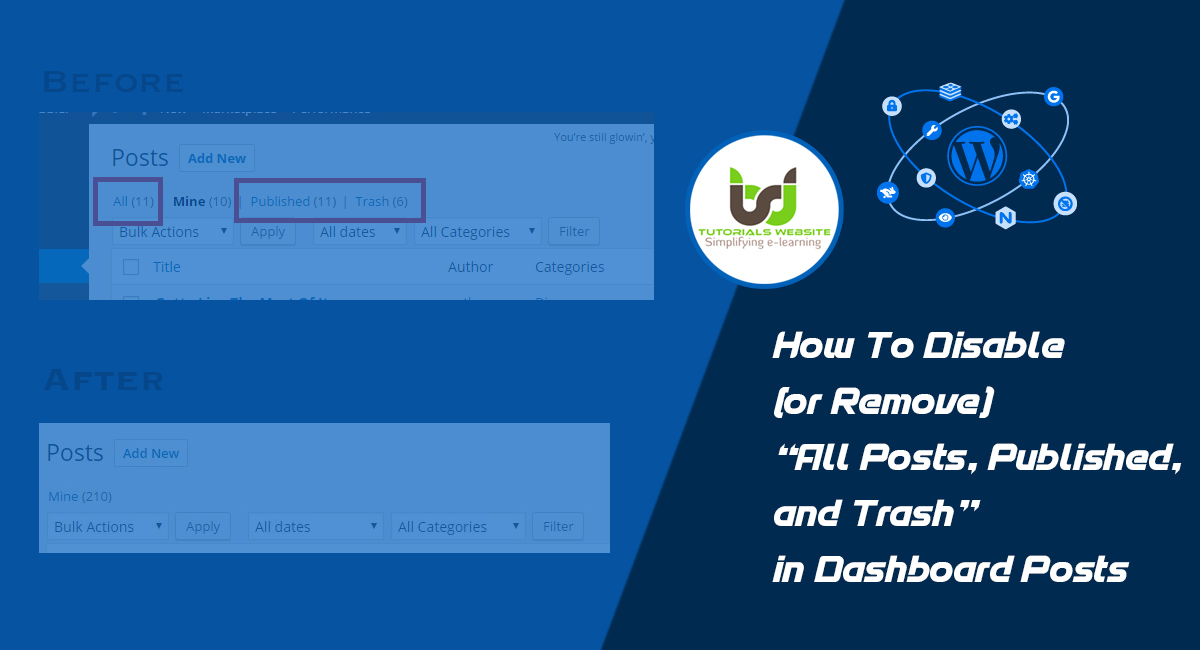
Expand +How To Disable (or Remove) “All Posts, Published, and Trash” in Dashboard Posts
If you are looking for ways to completely remove the All, Published, and Trash in WordPress admin dashboard posts or custom post types. Then this article will provide you with complete steps to make it possible for you. By default,…
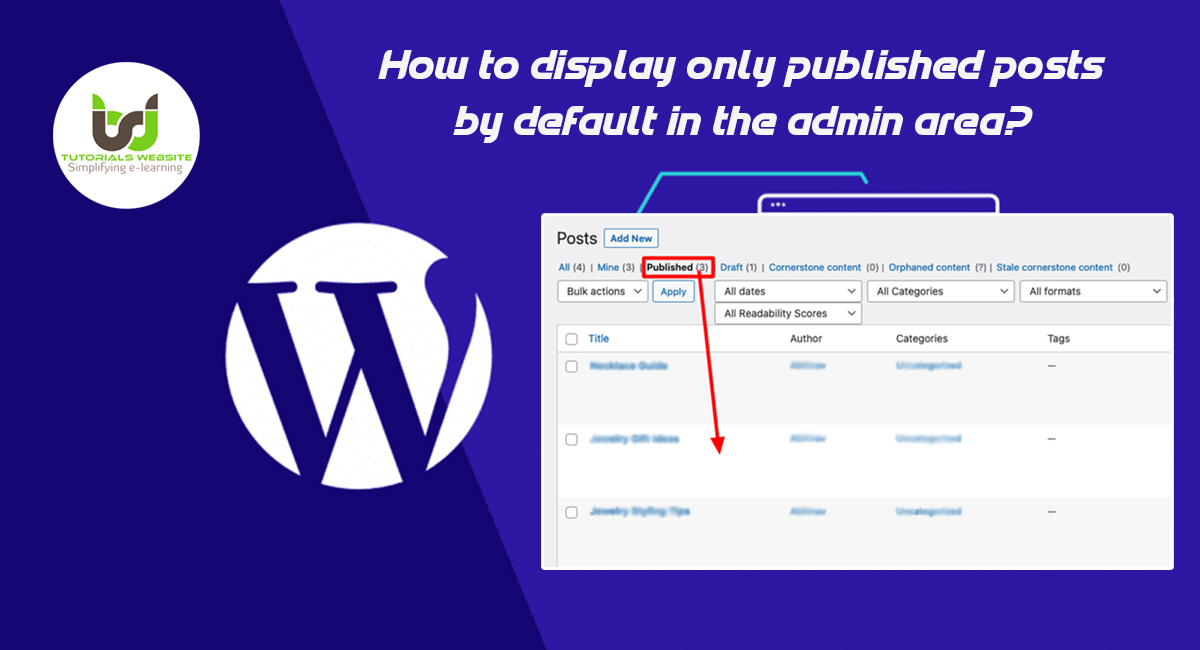
Expand +How to display only published posts by default in the admin area?
If you are a WordPress developer or WordPress website owner? and looking for a way to display only published posts by default in the admin area then you are in the right place. Here I will explain every step to…
Expand +Third-Party API using Microsoft Power Flow
Most modern cloud software provides APIs through which you can connect to data and integrate it into the software when necessary. Microsoft Power Flow is an excellent tool that can be used to connect to these data sources to automate…
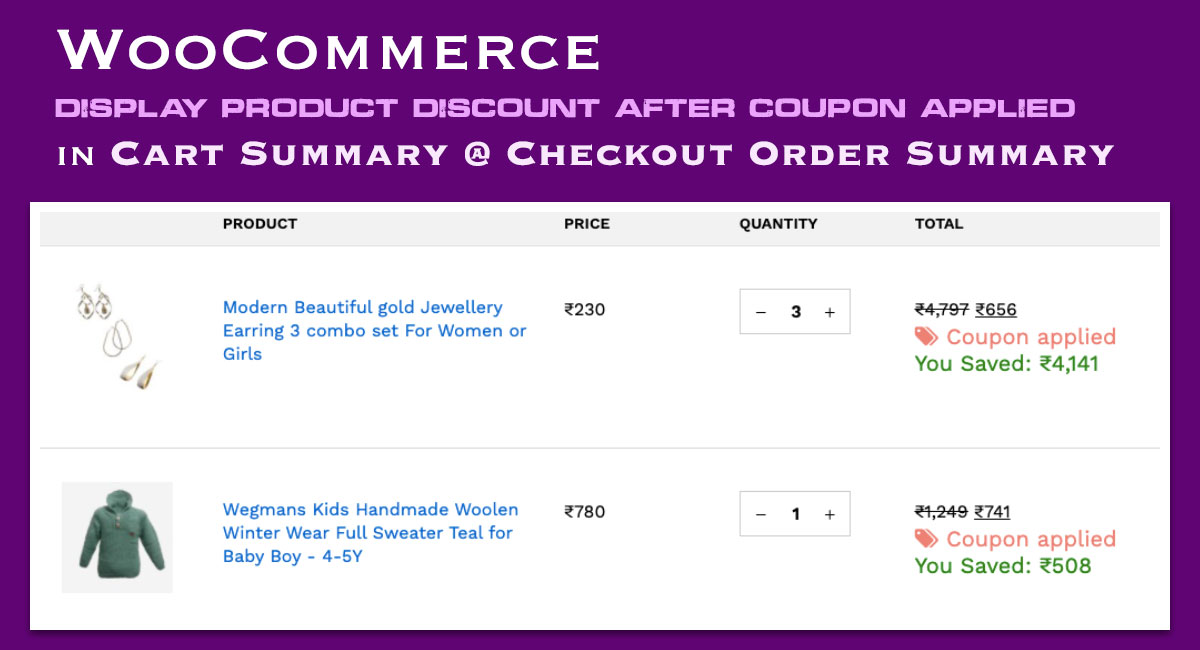
Expand +WooCommerce: Display Product Discount After Coupon Applied in Cart Summary @ Checkout
If you are using WooCommerce to build an eCommerce /online shopping website and looking for a way to Display Product Discount After Coupon Applied with the original price crossed in Cart Summary and Checkout Page. Then you are in the right place.
Expand +How to hide the posts and media of other WordPress users
If you are a WordPress developer or website owner and have worked on a WordPress blog site where many users upload articles, you may have noticed that even though you cannot edit other user’s posts. Inside the WordPress admin, you can still see the titles of all posts.
Expand +Easy Way to Add Custom Fields into WooCommerce Checkout Page
Adding WooCommerce custom checkout fields on a checkout page according to your needs can be a real pain or a very time-consuming task. Fortunately, there is an easy way to implement this. You can follow our tutorial to get started. This tutorial will show you how to add a custom field to a WooCommerce checkout page.
Expand +