


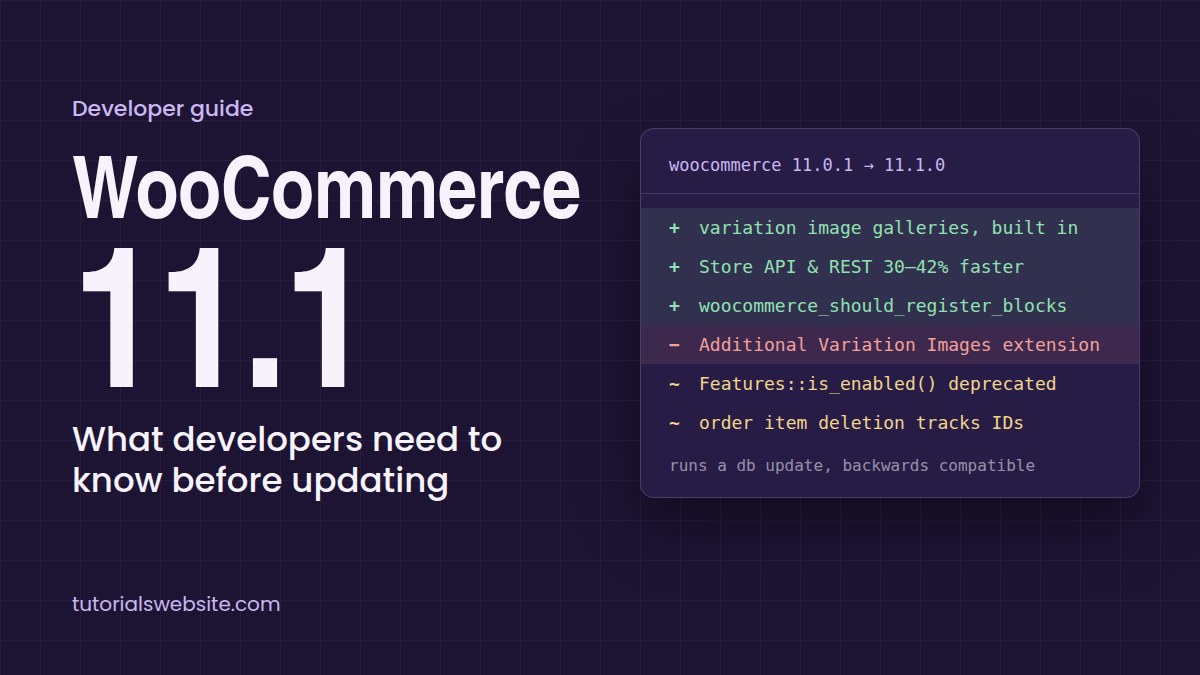
WooCommerce 11.1 was released on 1 September 2026 with 561 pull requests from 77 contributors. It is backwards compatible but runs a database update, and a few of its changes quietly affect custom plugins, headless builds and REST integrations (official WooCommerce 11.1 release notes).
Most store owners will notice only the new variation galleries. Developers have more to check: block registration now skips API requests, several admin feature flags are deprecated, and order item deletion works differently. If you maintain client stores, a plugin, or a custom checkout, this guide shows what changed and what to test before you update production.
WooCommerce 11.1 changes at a glance
| Change | Default | Who should check |
|---|---|---|
| Variation image galleries built in | On for all stores | Theme and gallery plugin developers, stores using Additional Variation Images |
| Right of order withdrawal (EU) | Off | Stores selling to EU customers |
| Block registration skipped on REST and Store API requests | On | Headless builds, apps and plugins that render Woo blocks over the API |
| Stable WooCommerce Admin feature flags retired | On, with deprecation warnings | Plugin developers checking Features::is_enabled() |
| Order item deletion tracks item IDs | On | Custom order data stores |
| Virtual orders hide shipping address in admin | On | Stores selling digital products |
| Video in product gallery | Off (experimental) | Stores that want product videos |
| Unified block editor assets | Off (experimental) | Block editor performance testers |
WooCommerce 11.1 variation image galleries
Each product variation can now have its own image gallery, natively and for free. There is no toggle: the experimental switch is gone from the Features screen, and the 11.1.0-1 database update turns it on even for stores that had opted out. The paid Additional Variation Images extension is being retired as a result (retirement of Additional Variation Images).
What to test on client stores:
- Stores using a third-party variation gallery plugin. Check the product page for two galleries or images that fight each other when a variation is selected. You may be able to remove the plugin and move to the built-in feature.
- Custom themes with their own variation image swapping. If your theme’s JavaScript replaces the main image when a variation is chosen, confirm it still behaves correctly alongside the new gallery.
- Product CSV imports. 11.1 also improves product CSV imports, so re-test any import templates you use for variations.
The same release adds experimental video support in product galleries, for locally uploaded videos only. It is off by default under WooCommerce → Settings → Advanced → Features → Product gallery videos. I’d keep it off on production stores until it leaves beta.
Right of order withdrawal and cleaner virtual orders
Stores that must follow EU consumer rules can now switch on an order withdrawal form. It is off by default. When enabled, customers get a new My Account screen to submit a withdrawal request; the request is logged and the merchant is notified by email and in the dashboard. The actual withdrawal and any refund stay manual. Indian stores that only sell domestically can leave this off.
The admin order summary also stops showing a shipping address on orders that need no fulfilment, such as digital downloads. The Store API still stores the billing-derived shipping data for compatibility, so if a custom report or export reads the shipping fields on virtual orders, it will keep working. Only the admin display changed.
WooCommerce 11.1 Store API performance: the block registration change
WooCommerce used to register all its block types and patterns on nearly every request. From 11.1 it skips them on requests that can’t render or edit blocks, which makes Store API and REST requests 13–18 ms (30–42%) faster in WooCommerce’s own measurements (block registration advisory). Front-end pages, core admin and the block and site editors are unchanged.
Are you affected? Only if your code renders WooCommerce blocks, or depends on WooCommerce’s block types or patterns being registered, during a REST or Store API request. The symptom is raw <!-- wp:woocommerce/... --> markup or static HTML with no dynamic output in the response. You can confirm it in code:
// Returns false in a skipped context on WooCommerce 11.1+.
WP_Block_Type_Registry::get_instance()->is_registered( 'woocommerce/mini-cart' );
Product and variation descriptions are handled on demand and need no change. Blocks you register yourself with register_block_type() are also unaffected.
How to opt back in. Use the new woocommerce_should_register_blocks filter, and return true only for the requests that actually render blocks:
<?php
/**
 * Plugin Name: TW Woo Block Registration Opt-in
 * Load as a plugin or mu-plugin, not from a theme.
 */
add_filter( 'woocommerce_should_register_blocks', function ( $should_register ) {
    $uri = isset( $_SERVER['REQUEST_URI'] ) ? wp_unslash( $_SERVER['REQUEST_URI'] ) : '';

    // Only the custom endpoint that renders WooCommerce blocks.
    if ( false !== strpos( $uri, '/wp-json/myshop/v1/render-blocks' ) ) {
        return true;
    }

    return $should_register;
} );
One catch the official post hints at but doesn’t spell out: the filter runs on plugins_loaded, before the main query is parsed and before your theme’s functions.php loads. That’s why the snippet reads $_SERVER directly and must live in a plugin or mu-plugin. If the site uses plain permalinks, match the rest_route query parameter in $_GET instead of the URI.
WooCommerce also recommends not building custom blocks on its internal AbstractBlock class. Use block.json with register_block_type() on init, so your blocks don’t inherit WooCommerce’s registration decisions.
WooCommerce 11.1 deprecations: admin feature flags and order item deletion
Stable admin feature flags are retired. Several stable WooCommerce Admin features now load directly instead of through the feature configuration pipeline. Nothing is removed, and compatibility shims keep Features::is_enabled() and window.wcAdminFeatures returning values, but they now emit deprecation warnings (retiring stable feature flags). The shims will eventually go, so remove those checks now. A quick way to find them in your plugin:
grep -rn "Features::is_enabled\|wcAdminFeatures" wp-content/plugins/your-plugin/With WP_DEBUG_LOG on, the deprecation notices also show up in wp-content/debug.log on a staging copy.
Order item deletion is safer. WC_Abstract_Order::remove_order_items() now remembers which item IDs existed when removal was requested. Previously, replacement items your code added before $order->save() could be deleted by accident; now they survive. Most extensions need no change. If you maintain a custom order data store, review your get_item_ids() and delete_items_by_ids() implementations (changes to order item deletion).
If you wrote custom order logic, such as the kind in my Buy 2 Get 1 Free offer in WooCommerce tutorial, re-test cart and order totals on staging after updating.
WooCommerce 11.1 upgrade checklist
Update on staging first, since 11.1 runs a database update that can’t simply be rolled back by reinstalling the old plugin. The WooCommerce update guide covers the basic steps.
- Take a full database and files backup of production.
- Clone to staging, update to 11.1 and run the database update.
- Open three variable products and switch between variations. Check for duplicate galleries or broken image swapping.
- If you use Additional Variation Images or another gallery plugin, decide whether to remove it.
- Call every custom REST or Store API endpoint you own and check for raw block markup in responses.
- Search your plugins for
Features::is_enabledandwcAdminFeatures, and checkdebug.logfor deprecation notices. - Place a test order with a coupon or custom discount, then check the admin order screen and totals.
- Re-test custom product queries, such as a setup to sort WooCommerce products by recent sales.
- Clear page and object caches, then push to production during low traffic.
If you run Indian stores taking UPI, pair this update with the UPI MDR changes from 15 October, since both touch checkout. For more walkthroughs, see my WooCommerce tutorials, or get in touch if you’d like help with WordPress and WooCommerce development.
FAQs
Yes, but it runs a database update, so back up and test on staging first.
No. Variation galleries are now built in and switched on for every store.
The Features toggle has been removed, and the database update enables the feature even for stores that had opted out.
WooCommerce 11.1 no longer registers its blocks on non-rendering requests. Opt back in for that endpoint with the woocommerce_should_register_blocks filter, loaded from a plugin or mu-plugin.
Not yet. The shims still return values but log deprecation warnings. Remove those checks before the shims are dropped in a later release.


Pradeep Maurya is the Professional Web Developer & Designer and the Founder of “Tutorials website”. He lives in Delhi and loves to be a self-dependent person. As an owner, he is trying his best to improve this platform day by day. His passion, dedication and quick decision making ability to stand apart from others. He’s an avid blogger and writes on the publications like Dzone, e27.co


