


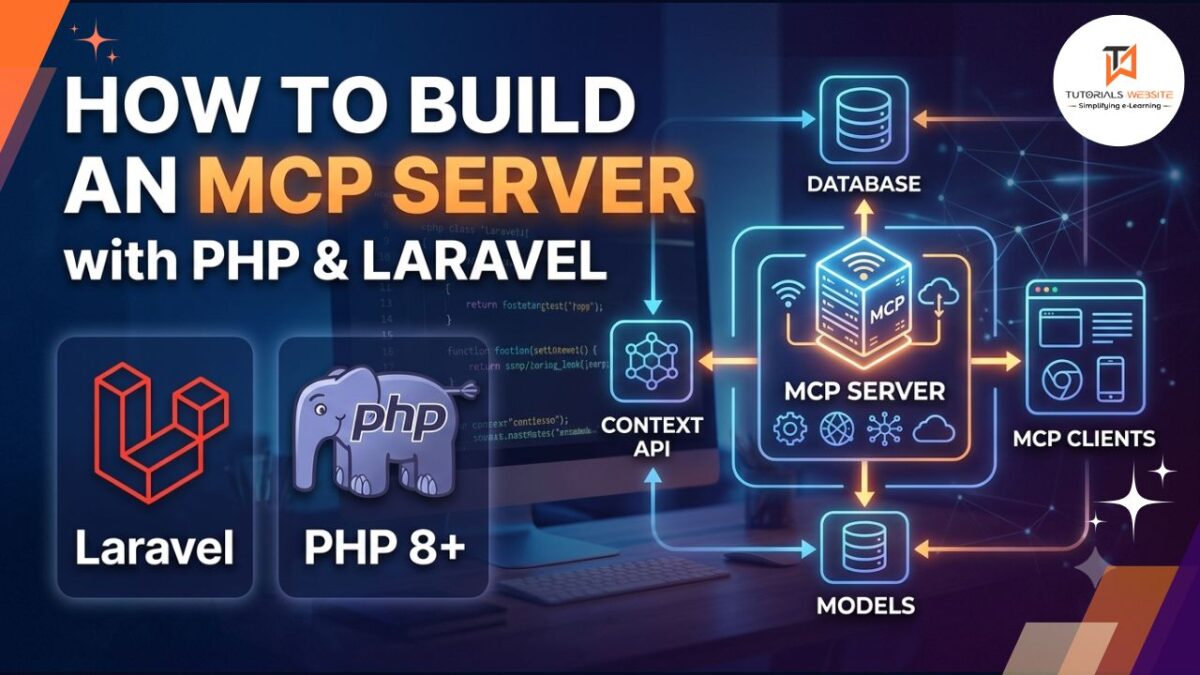
AI assistants have moved beyond answering questions. They now take actions, query databases, call APIs, and manage workflows on behalf of users. The technology making that possible is the Model Context Protocol, or MCP. If you build with Laravel, you can plug your application directly into that ecosystem today with very little setup.
What is MCP and why should PHP developers care
Anthropic introduced MCP as an open standard in November 2024 to define how AI agents communicate with external tools and data sources. Think of it as a universal plugin system for AI. Instead of building custom API integrations for every AI tool that comes along, you define your app’s capabilities once using MCP, and any compatible AI client — Claude, ChatGPT, Cursor, or others — can discover and use them.
Without MCP, an AI can tell you how to create a blog post. With MCP, it can actually create one. That shift from advice to action is the real value here for developers building client products.
MCP exposes three types of capabilities
An MCP server exposes three types of capabilities: Tools, which are callable functions your agent can invoke; Resources, which are readable data exposed by URI; and Prompts, which are reusable conversation templates for consistent agent behavior. If you’ve built Laravel controllers and service classes before, the mental model maps directly.
Setting up your Laravel project
composer require laravel/mcpAfter installing Laravel MCP, execute the vendor:publish Artisan command to publish the routes/ai.php file where you will define your MCP servers:
php artisan vendor:publish --tag=ai-routesThis creates routes/ai.php — think of it as your routes/web.php, but built specifically for AI interactions.
Creating your first MCP server
Laravel MCP provides an Artisan command to scaffold a server:
php artisan make:mcp-server TaskServerThis creates app/Mcp/Servers/TaskServer.php. Open it and you’ll see a clean, empty server ready to configure:
<?php

namespace App\Mcp\Servers;

use Laravel\Mcp\Server;

class TaskServer extends Server
{
    protected string $name = 'Task Server';
    protected string $version = '1.0.0';
    protected array $tools = [];
    protected array $resources = [];
    protected array $prompts = [];
}
Registering your server
Open routes/ai.php and register your server for both local and remote access:
<?php

use App\Mcp\Servers\TaskServer;
use Laravel\Mcp\Facades\Mcp;

Mcp::local('tasks', TaskServer::class);
Mcp::web('/mcp/tasks', TaskServer::class);
Mcp::local() registers the server for stdio transport, which is what Claude Code uses when running locally via php artisan mcp:serve. Mcp::web() exposes it as an HTTP endpoint for remote access. Two lines. Your server is live.
Building a tool
Tools are the core of any MCP server. Each tool has a schema() method that defines what inputs the AI must provide, and a handle() method that runs the actual logic:
<?php

namespace App\Mcp\Tools;

use App\Models\Task;
use Laravel\Mcp\Server\Tool;

class CreateTaskTool extends Tool
{
    public function schema(): array
    {
        return [
            'title'    => ['type' => 'string', 'description' => 'Task title'],
            'priority' => ['type' => 'string', 'enum' => ['low', 'medium', 'high']],
        ];
    }

    public function handle(string $title, string $priority): string
    {
        $task = Task::create([
            'title'    => $title,
            'priority' => $priority,
        ]);

        return "Task created: {$task->title} (Priority: {$task->priority})";
    }
}
Register it in your server’s $tools array and your AI client can now call it by name.
Securing your MCP endpoint
Never expose an MCP endpoint without authentication. The package supports Sanctum for token-based auth. Protecting your route takes a single middleware call:
Mcp::web('/mcp/tasks', TaskServer::class)
    ->middleware(['auth:sanctum']);
For public-facing products, the package supports OAuth 2.1 through Laravel Passport alongside Sanctum for token auth. Pick the right one based on whether your users are internal developers or end customers.
Connecting to Claude Desktop or Claude Code
To connect Claude Code, add the server to your .mcp.json file:
{
  "mcpServers": {
    "tasks": {
      "type": "stdio",
      "command": "php",
      "args": ["artisan", "mcp:serve", "tasks"]
    }
  }
}
Restart Claude Code after saving. Your tools show up alongside its built-in capabilities, ready to use immediately.
Get a professionally designed and developed website tailored to your needs.
As an experienced website developer based in Delhi NCR, I offer customized solutions to build responsive, SEO-friendly, and user-friendly websites. Whether it’s for a personal blog, business site, or e-commerce store, I ensure your online presence stands out.
What you can build with this
The practical uses for a Laravel MCP server are wide open. You can give an AI client direct read and write access to your Eloquent models, let it generate reports from live database queries, trigger email or SMS workflows, manage Shopify orders, or pull CRM data on demand — all through natural language, without writing a single traditional API endpoint for it.
MCP is the new entry point to your app
REST APIs and webhooks aren’t going anywhere. But with over one billion users sending over twenty billion messages to AI chat apps each week, MCP is becoming a core entry point to application functionality alongside web and API interfaces. As a Laravel developer, you already have everything you need to build for that layer. The syntax is familiar, the tooling is mature, and the setup takes under an hour. Start with one tool. See how it feels. The rest follows naturally.


Pradeep Maurya is the Professional Web Developer & Designer and the Founder of “Tutorials website”. He lives in Delhi and loves to be a self-dependent person. As an owner, he is trying his best to improve this platform day by day. His passion, dedication and quick decision making ability to stand apart from others. He’s an avid blogger and writes on the publications like Dzone, e27.co


