


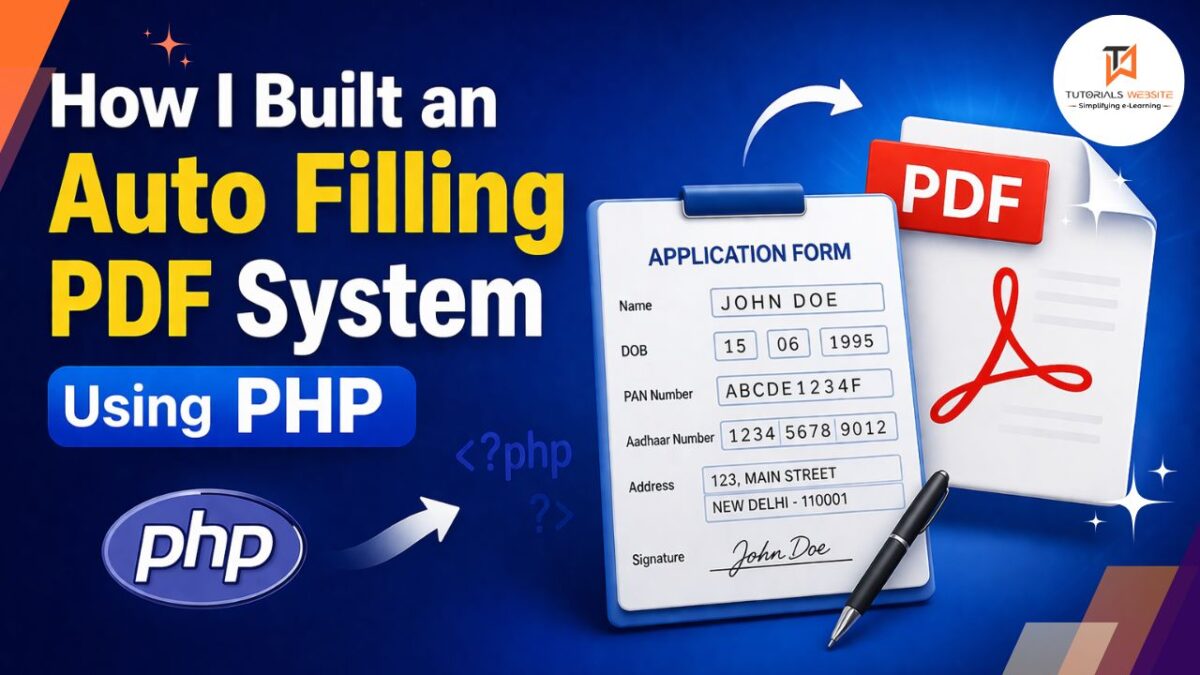
When I got this requirement for the first time, I honestly thought it would be very easy.
I was like — “Okay, just take data from database, put it into a PDF, and done.”
But when I actually started working on it, things were completely different.
The main problem was that these forms (like PAN forms) are not simple PDFs. You can’t just open them and insert text wherever you want. Everything is fixed — every box, every line, every position.
That’s when I realized I needed a different approach.
After trying a few methods (and wasting a lot of time 😅), I finally found a way that works perfectly.
Are you want to get implementation help, or modify or extend the functionality?
A Tutorialswebsite Expert can do it for you.
The Approach That Actually Worked
Instead of editing a PDF directly, I did something simple:
- I used a form image (JPG)
- Then wrote text on that image using PHP
- Then converted that image into a PDF
At first, it sounded like a workaround… but it turned out to be the most reliable solution.
Let me explain how I built it step by step.
Auto Filling PAN CARD FORM PDF Generation in PHP
1. Getting Data from Database
All the form data comes from the database. As you can see in my demo page.
Things like:
- Name
- Aadhaar number
- Date of birth
- Address
Nothing fancy here, just normal database fetching.
2. Loading the Form Image
Next, I load the blank form image.
$image = imagecreatefromjpeg($imgpath);Think of this like a blank sheet where you are going to write everything.
3. Writing Data on the Form
This part took most of my time.
imagettftext($image, 20, 0, 380, 445, $color, $font, $name);Here, those numbers (380, 445) are very important.
You have to manually adjust them until the text fits exactly in the right place.
Honestly, I didn’t get this right in one go. I had to try again and again until everything aligned properly.
4. Handling Names (This Was Tricky)
Users don’t enter names in a fixed format.
Some people write:
- Only first + last name
- Some add middle name
- Some write full long names
So I split the name like this:
$cname = explode(' ', $name);Then I handled different cases.
It’s a bit messy, but it works. Without this, the form looks broken.
5. Gender-Based Text
Forms require things like:
- S/O
- W/O
- D/O
So I added simple conditions:
if($gender == 1){
    $text = 'S/O '.$fatherName;
}
Nothing complex, but very important for real forms.
6. Address Handling
Address is not a single line.
So I printed it in multiple lines:
- Line 1
- Line 2
- City
- State
- Pincode
City and state I fetched from database using IDs.
7. Saving the Filled Form
Once everything is written:
imagejpeg($image, "application_form_data/form.jpg");Now I have a fully filled form — but it’s still an image.
8. Converting Image to PDF
This is where FPDF comes in.
$pdf = new FPDF();
$pdf->AddPage();
$pdf->Image("form.jpg",0,0,210,296);
$pdf->Output();
And that’s it — now it becomes a proper PDF.
9. Multi-Page Forms
Some forms have more than one page.
So I created separate images for each page and added them:
$pdf->AddPage();
$pdf->Image("page2.jpg");
10. Adding Tick Marks
This was actually interesting.
For checkboxes, I used a small tick image:
$pdf->Image("blue-tick.jpg",28,68);Then I placed it conditionally.
It’s simple, but gives a very realistic output.
11. Character Spacing (Most Useful Trick)
Normal text doesn’t fit well in boxes like PAN or Aadhaar.
So I created a custom function that prints one letter at a time.
That solved the alignment issue completely.
12. Cleaning Temporary Files
After generating the PDF, I delete images:
unlink($file);Otherwise, your server will slowly fill up with useless files.
Are you want to get implementation help, or modify or extend the functionality?
A Tutorialswebsite Expert can do it for you.
Problems I Faced
This was not smooth at all 😅
Some real issues I faced:
- Text going outside boxes
- Names breaking layout
- Missing data causing errors
- Too much repeated code
Most of the time went into fixing alignment.
Things I Learned
If you are planning to build something like this, keep these in mind:
- Always check if data exists
- Don’t assume name format
- Try different screen sizes / cases
- Keep your code reusable
- Test with real data, not dummy
Where You Can Use This
This kind of system is actually very useful.
You can use it for:
- PAN card services
- Admission forms
- Certificates
- Invoice generation
- Any fixed format document
Final Thoughts
For me, this project was not just about coding. It was more about solving a real-world problem.
Once it started working properly, it saved a lot of manual work. And the best part — this can easily scale. You can generate hundreds or thousands of PDFs without extra effort.
If you are a developer, I would definitely suggest trying something like this. It’s simple in concept, but very powerful in real use.
And yes… be ready for a lot of trial and error 😄
Get a professionally designed and developed website tailored to your needs.
As an experienced website developer based in Delhi NCR, I offer customized solutions to build responsive, SEO-friendly, and user-friendly websites. Whether it’s for a personal blog, business site, or e-commerce store, I ensure your online presence stands out.


Pradeep Maurya is the Professional Web Developer & Designer and the Founder of “Tutorials website”. He lives in Delhi and loves to be a self-dependent person. As an owner, he is trying his best to improve this platform day by day. His passion, dedication and quick decision making ability to stand apart from others. He’s an avid blogger and writes on the publications like Dzone, e27.co


