


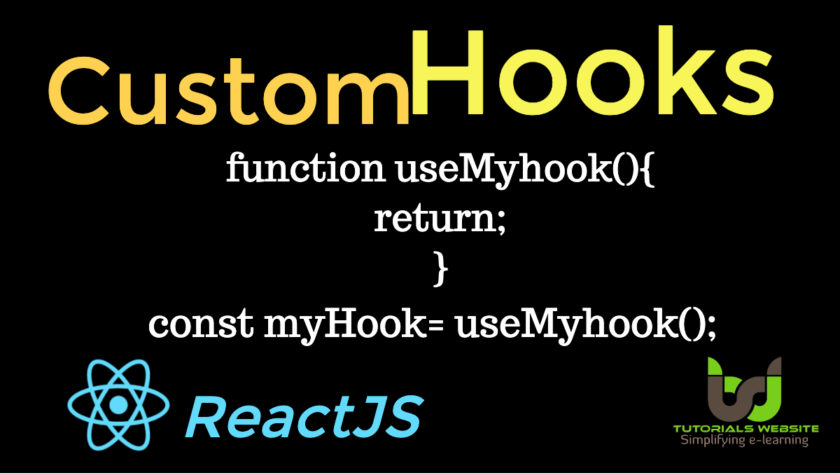
A custom Hook is a javascript function whose name starts with “use” and that may call other hooks.
Why we create Custom Hooks:
Building your own hooks lets you extract component logic into reusable functions. You can write custom Hooks that cover a wide range of use cases like form handling, animation, declarative subscriptions, timers, and many more.
Create Custom Hooks Syntax:
function useMyhook(){

	return;
}
Use Custom Hook Syntax:
const myhook = useMyhook();
Let’s try to understand with an example. First, we will create a new file named “custom.js“. In “custom.js” we will write our own custom hook logic and export it.
Second, we will create another file named “index.js”. Here we will import our custom hook and use the functionality of custom hook in this file like custom hook returned value and functions or logics.
custom.js file
Create “custom.js” file and copy and paste below code
// custom hooks

import {useState} from "react";

function useCustomHook(){

const[salary,setSalary]=useState(0);

const incrementSalary=()=>{

    setSalary(salary+500);
}

return {
    salary,
    incrementSalary
};
}

export default useCustomHook;
index.js file
Create “index.js” file and copy and paste below code
import React from "react";
import ReactDOM from "react-dom";
import useCustomHook from "./custom";
function Employee() {
const data= useCustomHook();
return(
<>
Employee Details
Hi User, Your Salary is {data.salary}
);
}
ReactDOM.render(,document.getElementById("root"));
As you can see, in custom.js file we return object value, not an array value. That’s why in index.js file we are calling const data= useCustomHook() under Employee function component and rendering the value as {data.salary} and {data.incrementSalary}.
What do we need to make changes if we will return array value instead of object value in custom.js file?
if we will return array value from custom.js then we need to make changes like the below code.
Changes in custom.js file
return [
    salary,
    incrementSalary
];
Changes in index.js file
function Employee() {
const[data,incrementSalary]= useCustomHook();
return(
<>
Employee Details
Hi User, Your Salary is {salary}
);
}
Learn More: Hooks in ReactJS
Learn More: Effect Hooks in ReactJS



Pradeep Maurya is the Professional Web Developer & Designer and the Founder of “Tutorials website”. He lives in Delhi and loves to be a self-dependent person. As an owner, he is trying his best to improve this platform day by day. His passion, dedication and quick decision making ability to stand apart from others. He’s an avid blogger and writes on the publications like Dzone, e27.co